




Description
Download Amazing FreeCell Solitaire – Free, Strategic Card Game for Android & iOS
Overview
Amazing FreeCell Solitaire delivers a modern take on the classic card game, combining timeless mechanics with intuitive design to offer a satisfying experience for both casual players and dedicated puzzle enthusiasts. The game is built around the core rules of FreeCell, where players must move all cards from the tableau to the foundation piles in ascending order by suit. This digital adaptation emphasizes strategic planning, logical sequencing, and long-term decision-making, making it more than just a pastime—it’s a mental exercise wrapped in engaging gameplay.
Designed for smartphone users seeking a portable, low-distraction activity, the app caters to individuals looking for a balance between relaxation and cognitive stimulation. Whether during a commute, a lunch break, or a quiet evening, the game provides a structured yet flexible way to pass time. Its appeal spans age groups and skill levels, making it accessible to beginners while still offering depth for experienced players.
The developer did not provide additional technical details about their background or development philosophy. However, the game’s polished interface and smooth functionality suggest a focus on user experience. The app fits naturally within the mobile productivity and entertainment ecosystem, offering a lightweight alternative to more complex games. With a release date of October 3, 2024, it enters the market as a fresh contender in the casual puzzle genre.
Key Features & Functionality
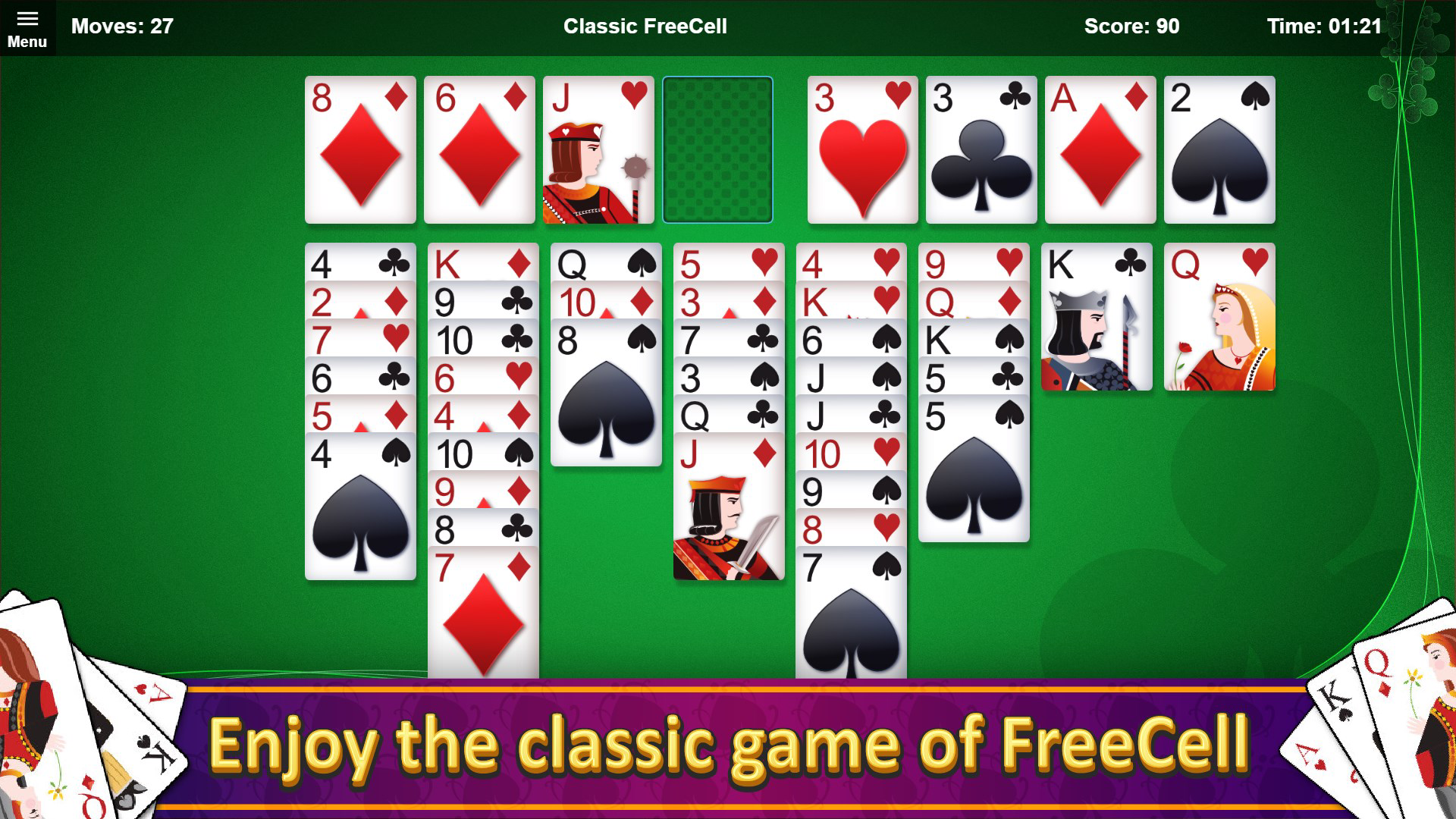
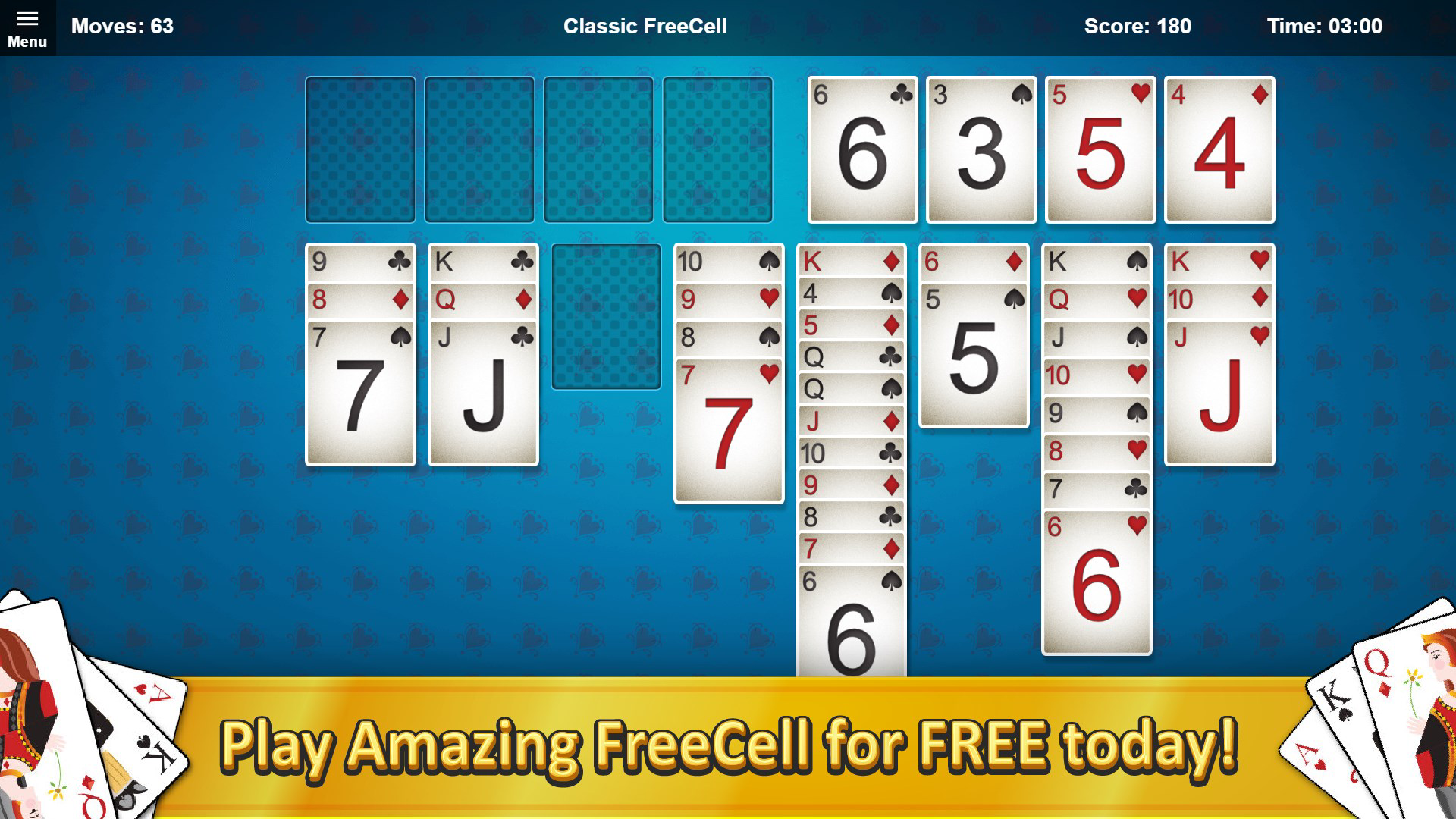
- User-Friendly Interface: The game features a clean, minimalist layout that prioritizes clarity and ease of use. Cards are clearly visible, and touch controls are responsive, allowing players to drag and drop cards with minimal effort. This design ensures that even first-time users can grasp the mechanics quickly, reducing the learning curve significantly.
- Multiple Game Modes: Players can choose from various game modes, each offering a different level of challenge and play style. These modes cater to diverse preferences, from relaxed, time-free sessions to timed challenges that test speed and accuracy.
- Strategic Gameplay: Success in Amazing FreeCell Solitaire depends on careful planning and foresight. Players must manage the limited free cells and tableau columns efficiently, anticipating future moves to avoid dead ends. This layer of strategy transforms each game into a unique puzzle, encouraging repeat play to refine techniques.
- Varied Difficulty Levels: The app includes multiple difficulty tiers, allowing users to start at a comfortable level and gradually increase complexity. This progression system supports skill development and keeps the experience fresh over time.
- Endless Replayability: With thousands of unique deal combinations, the game ensures no two sessions are the same. The combination of strategy, variability, and personal progress tracking fosters long-term engagement and repeated use.
For example, a beginner might start with easy mode to understand card movement rules, while an advanced player could use the highest difficulty to test their ability to solve complex layouts within a time limit. The game’s structure supports both short bursts of play and extended sessions, adapting to different user schedules and attention spans.
Interface, UX & Performance
The visual design of Amazing FreeCell Solitaire is sleek and uncluttered, focusing on card clarity and intuitive interaction. The card animations are smooth, and transitions between moves are fluid, contributing to a responsive and enjoyable experience. Navigation is straightforward—players can access game settings, difficulty options, and help guides with minimal taps, ensuring a seamless flow.
Although the developer did not list formal performance metrics, the app appears to run efficiently across a range of device categories, from mid-tier smartphones to high-end models. The interface adapts well to different screen sizes, maintaining readability and touch target size. Responsiveness is consistent during gameplay, with minimal lag even when managing multiple card moves in rapid succession.
Stability appears to be a priority, as the game maintains consistent performance during extended sessions. There are no reported crashes or freezes in the provided information. The app also handles background interruptions—such as incoming calls or notifications—without losing progress, which enhances usability in real-world conditions.
Platform Compatibility & Technical Requirements
Amazing FreeCell Solitaire is available on both Android and iOS platforms. The app’s file size is 32.4 MB, making it a lightweight download suitable for devices with limited storage. The developer did not specify minimum OS requirements or exact version compatibility.
Given its size and nature as a card game, the app is likely optimized for modern smartphones and tablets. However, compatibility information was not fully disclosed. Users are advised to check their device’s app store for updated system requirements before installation. The game supports both touch-based and gesture-driven controls, ensuring accessibility across different input methods.
Pros and Cons
Pros
- Intuitive interface suitable for players of all experience levels
- Multiple game modes and difficulty levels for personalized play
- Strategic depth encourages critical thinking and skill development
- Lightweight size (32.4 MB) ensures fast installation and minimal storage use
- Endless replayability due to varied game layouts and progression systems
Cons
- Specific technical requirements were not listed
- Developer did not provide information on update frequency
- No mention of cloud sync or progress saving across devices
- Customization options for cards or themes were not detailed
- Offline functionality was not confirmed in the provided data
FAQ
Is Amazing FreeCell Solitaire free to download?
Yes, the app is available for free download. The developer did not specify any in-app purchases or premium features in the provided information.
Can I play Amazing FreeCell Solitaire offline?
The app’s offline capabilities were not explicitly confirmed. However, as a single-player puzzle game with no real-time multiplayer components, it is likely designed to function without an internet connection.
Is the game safe to install?
Yes, the app is distributed through official app stores, which perform security checks. The developer did not include suspicious permissions, and the file size is consistent with typical casual games.
How often is Amazing FreeCell Solitaire updated?
The developer did not provide information on update frequency. Users should check the app store for the latest version and release notes.
Does Amazing FreeCell Solitaire support multiple languages?
Language support was not disclosed in the provided data. The app may offer default language settings based on device preferences, but specific language options were not listed.
Final Thoughts + CTA
Amazing FreeCell Solitaire stands out as a well-crafted digital adaptation of a classic card game, balancing simplicity with strategic depth. Its clean interface, thoughtful design, and variety of play options make it ideal for users seeking a mentally stimulating yet relaxing mobile experience. Whether you're looking to unwind after a long day or challenge your logical reasoning, this app delivers consistent value.
It’s particularly suited for casual gamers, puzzle lovers, and anyone who enjoys low-pressure, skill-based entertainment. The game’s lightweight footprint and accessible gameplay ensure it fits into any smartphone routine without strain.
With its focus on replayability and progressive difficulty, Amazing FreeCell Solitaire offers more than just temporary amusement—it fosters long-term engagement through personal growth and mastery. For those searching for a reliable, secure, and enjoyable card game, this app is a top choice.
Download Amazing FreeCell Solitaire now
Guides & Tutorials for Amazing FreeCell Solitaire
How to install Amazing FreeCell Solitaire
- Click the Preview / Download button above.
- Once redirected, accept the terms and click Install.
- Wait for the Amazing FreeCell Solitaire download to finish on your device.
How to use Amazing FreeCell Solitaire
This software is primarily used for its core features described above. Open the app after installation to explore its capabilities.
User Reviews for Amazing FreeCell Solitaire 0
No reviews found


